 MONO
MONOAndroid launcher
Give your home screen
room to breathe.
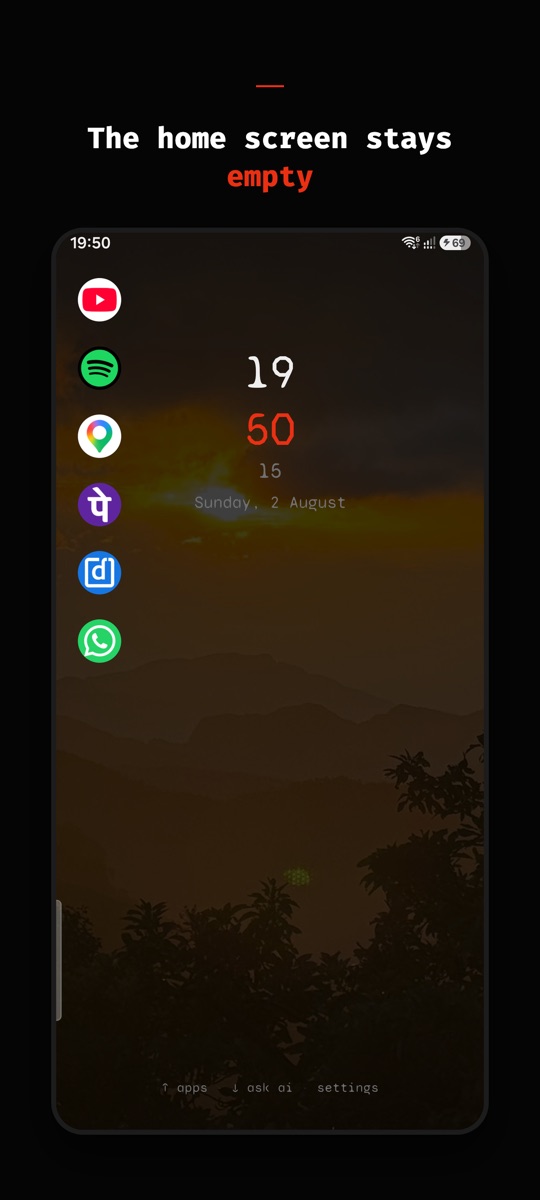
MONO replaces your home screen with a quiet one: a clock, the date, and nothing competing for your attention. AI chat, an agent that gets things done, a browser and every app are each one swipe away.
Everything one swipe away
A calmer home
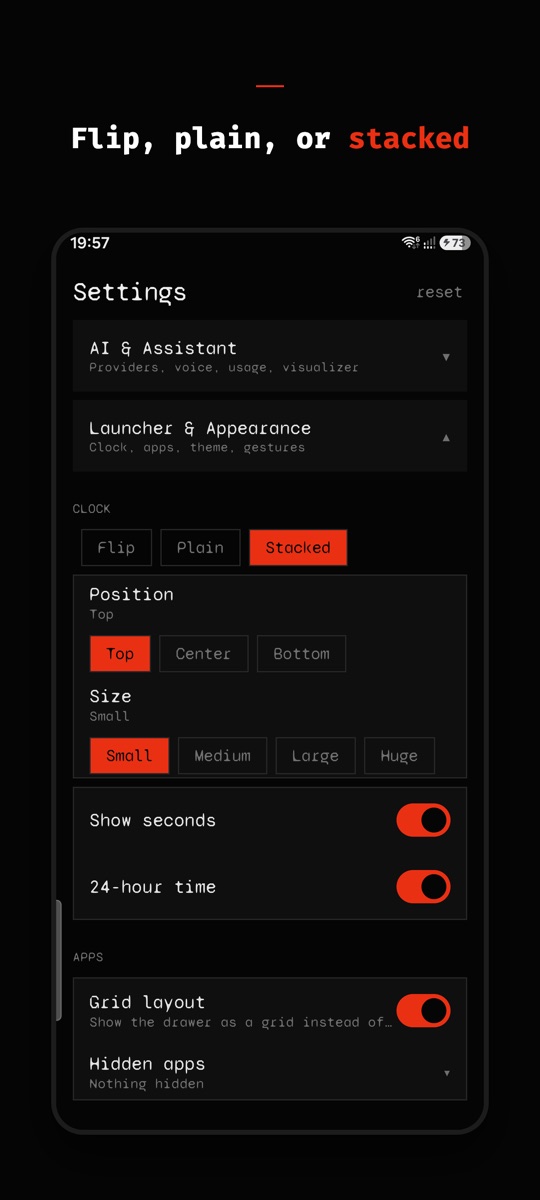
Flip, plain or stacked clock. Place icons and widgets anywhere, or keep it empty.
Ask Mono AI
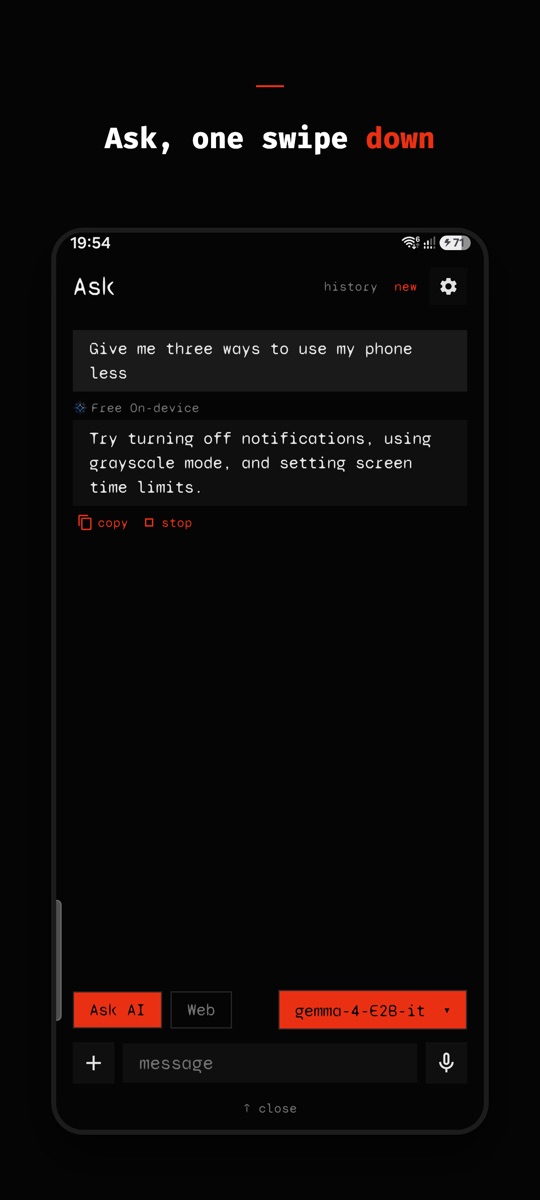
Swipe down and ask. No account, no API key. Lite for quick answers, Pro for harder ones, web search with sources.
Mono Agent
Hand it a multi-step task. It works in a private folder on your phone, uses alarms, maps or the camera only when you allow it, and pushes code to a new branch only with your approval.
190+ connections
Connect Linear, Notion, Wix and more through MCP. MONO shows each tool call and what it sends, and waits for you to tap Allow.
A browser that stays out of the way
Tab sessions, true full screen, incognito, and downloads that pause and resume.
Your apps, your way
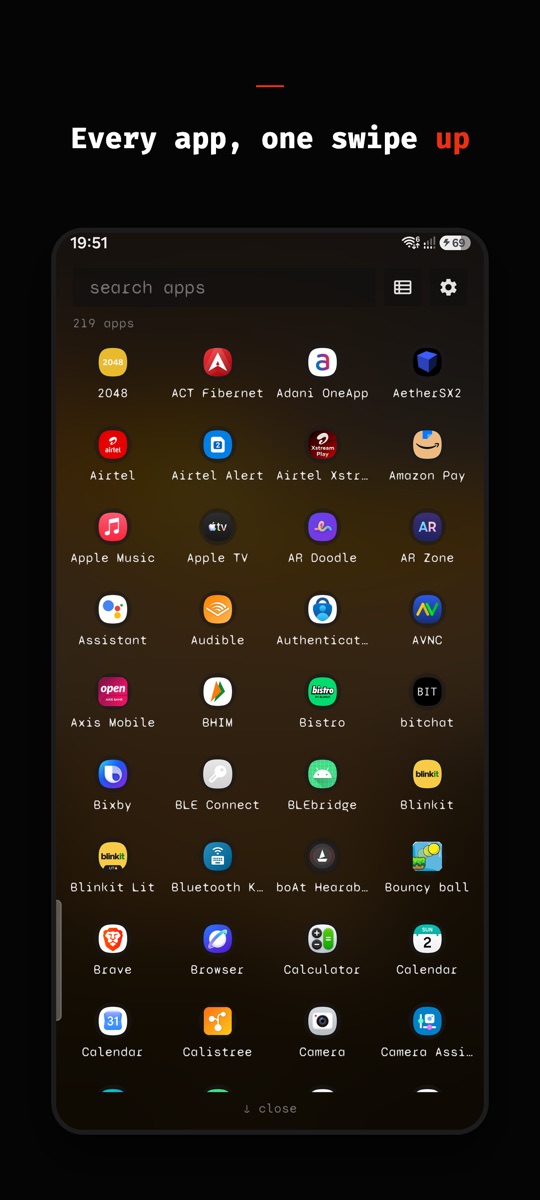
Typo-proof search, a list or a grid. Hide apps, or lock the ones you open too often behind a short breathing pause.
Bring your own AI
Use your own key for OpenAI, Claude, Gemini, Groq, OpenRouter or Grok, or run a model offline on the phone.
Yours, in your language
Any Google Font, accent colours and backgrounds. Ten languages, including Hindi, Japanese and Arabic.
Private by design
MONO has no servers that read your messages, files or tasks. Your chats, browsing, agent files and keys stay on your phone, and keys are stored encrypted. When you ask an AI, only that question goes to the provider answering it. The privacy policy lists exactly what goes where.